
The Event Media Playbook: How to Use Photos and Video Before, During and After Your Event
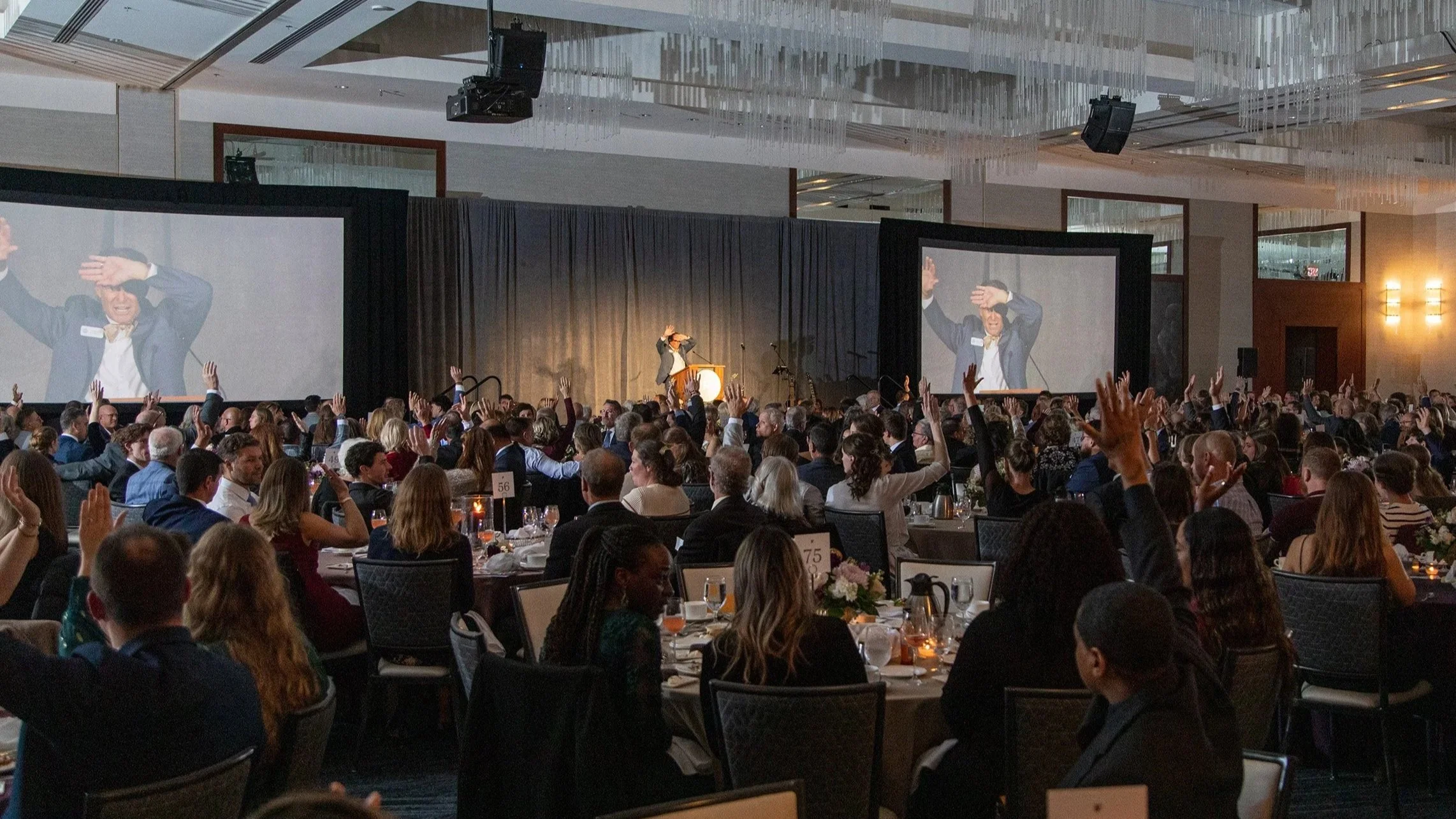
You spend months planning an event. You book the venue, line up speakers, work with sponsors and handle all the details people only notice when something goes wrong.
Then someone on your team gets one more assignment. “Can you take some photos, too?”
They do their best with their phone between answering questions and helping guests. They get a photo of the keynote speaker but miss the reaction in the room. They’re at registration when an award recipient hugs the person who nominated them. A volunteer hears a story that would make a great video, but nobody thinks to ask about it until a week later.
Afterward, a few photos go online with “What a great night! Thanks to everyone who came.” The food has been eaten, the drinks are gone and everyone is home. The event had a purpose that took months to bring to life, and it gets one post.
I see this all the time, and I understand why. You already have plenty to manage. If no one decides how the photos and video will be used ahead of time, that work lands on someone’s desk when they’re trying to catch up.
Here’s how I’d plan for your photos and video to amplify your mission and message again and again and again.
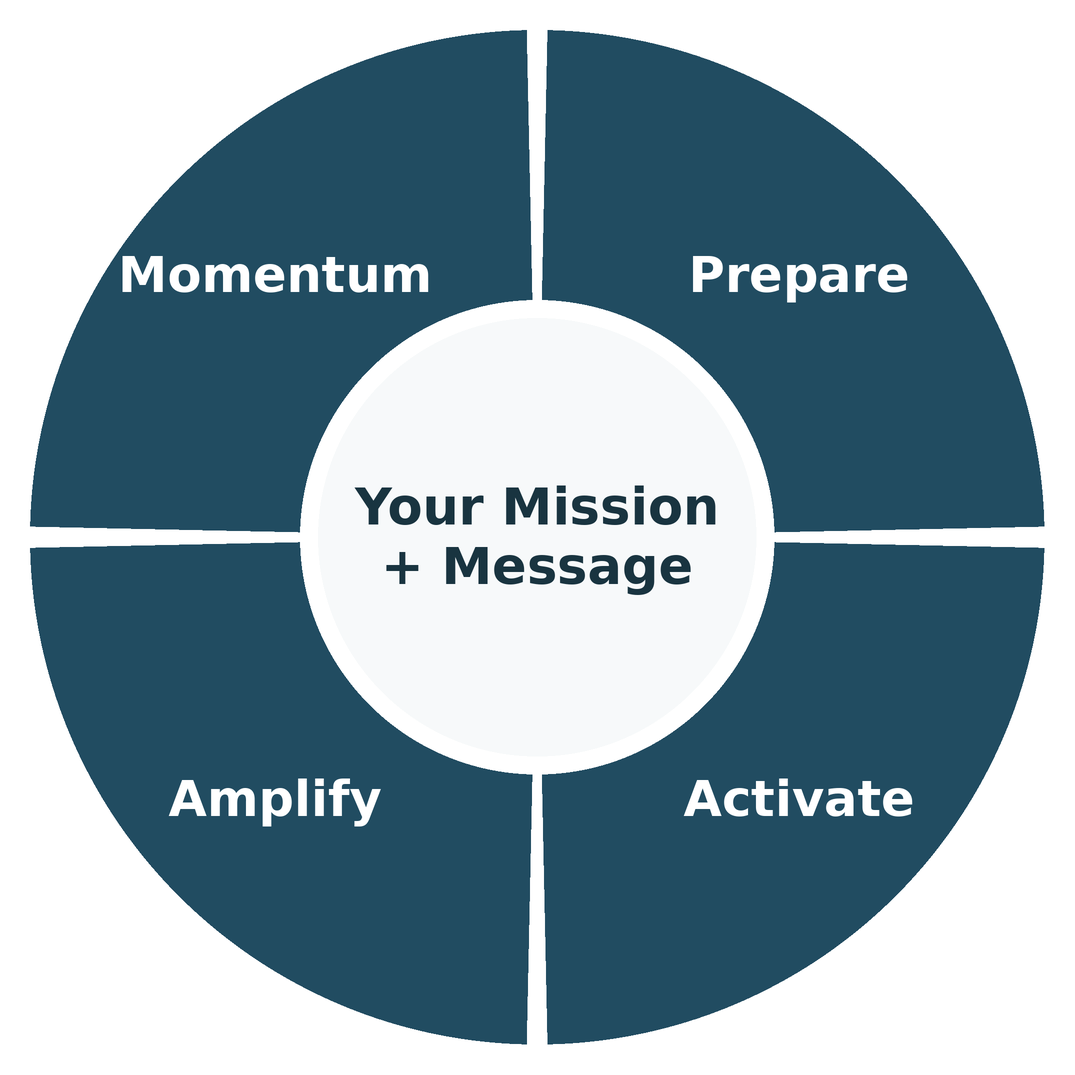
1. Prepare
When everyone goes home, what do you want them to remember, believe or do?
That’s the first question I’d ask before we talk about cameras, hours or how quickly you need the photos. The answer changes what’s worth capturing.
Say you’re hosting a fundraiser. If you want donors to understand what their gifts make possible, we’ll look for a person who can tell that story in their own words. That might be a 30 second interview you share in a donor email 2 months later. If you want sponsors to come back, we’ll look for photographs that show what they made possible and how guests took part.
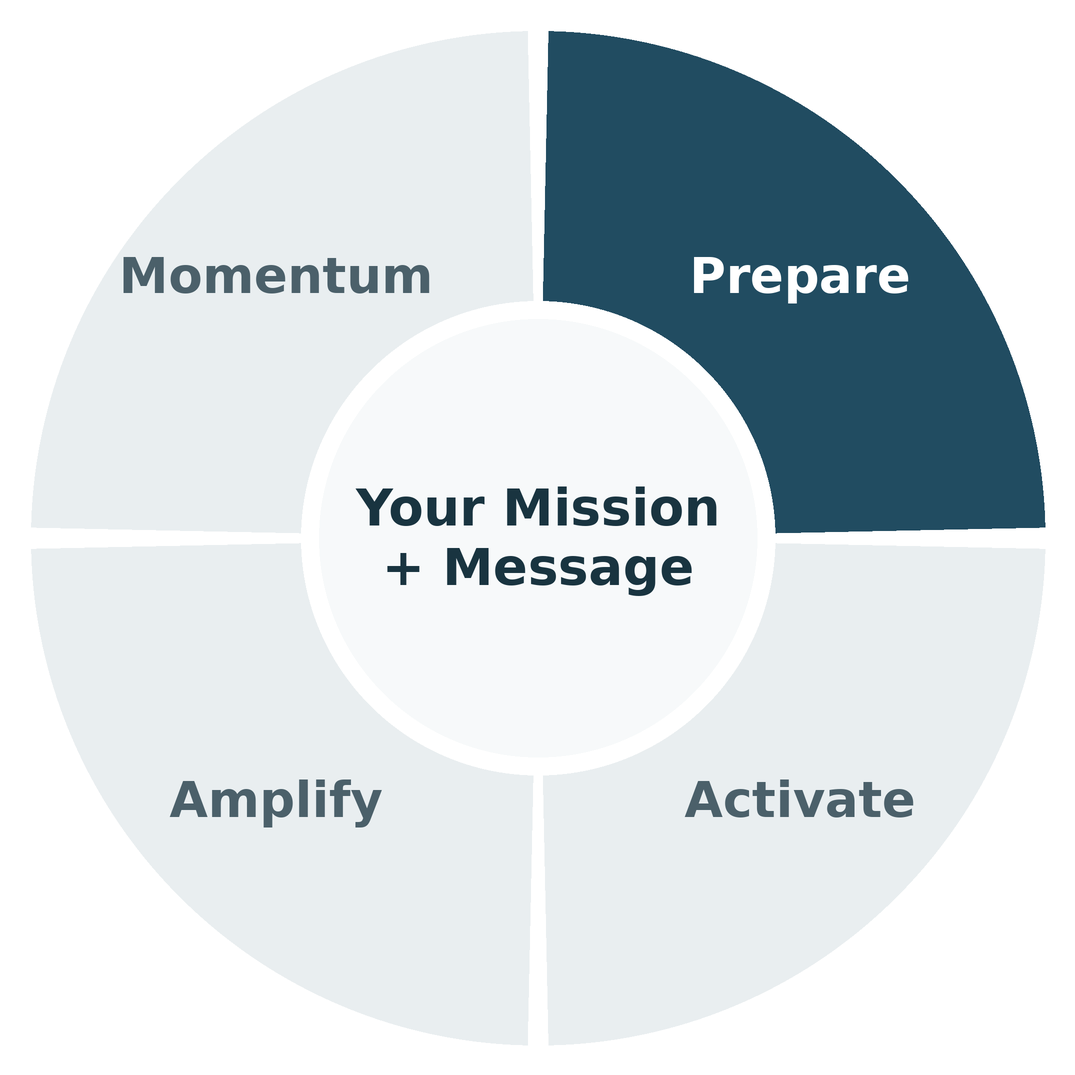
If the goal is to get more people to your conference, start with last year’s photos and video. Show people who’ve never attended what the room looks like, who they might meet and what they’ll take home. A short clip from someone who came back for a second year can help a prospective guest answer the question they’re already asking: “Is this worth my time?”
Once you know the goal, make a short list of what you need. You might want a full keynote recording for members, a polished set of photos for your annual report and a few short videos for social media. Decide where each piece will go, when you need it and who will share it. If you want a social video the morning after the event, agree on the delivery time and who can approve it before anyone picks up a camera.
2. Activate
A great photograph can show something that never made it onto the agenda. An award recipient looks out and sees their family standing up. Someone attending for the first time finds a person to sit with. Two people who met at last year’s conference stop in the hallway to catch up. Those moments can tell you as much about the event as anything that happened on stage.
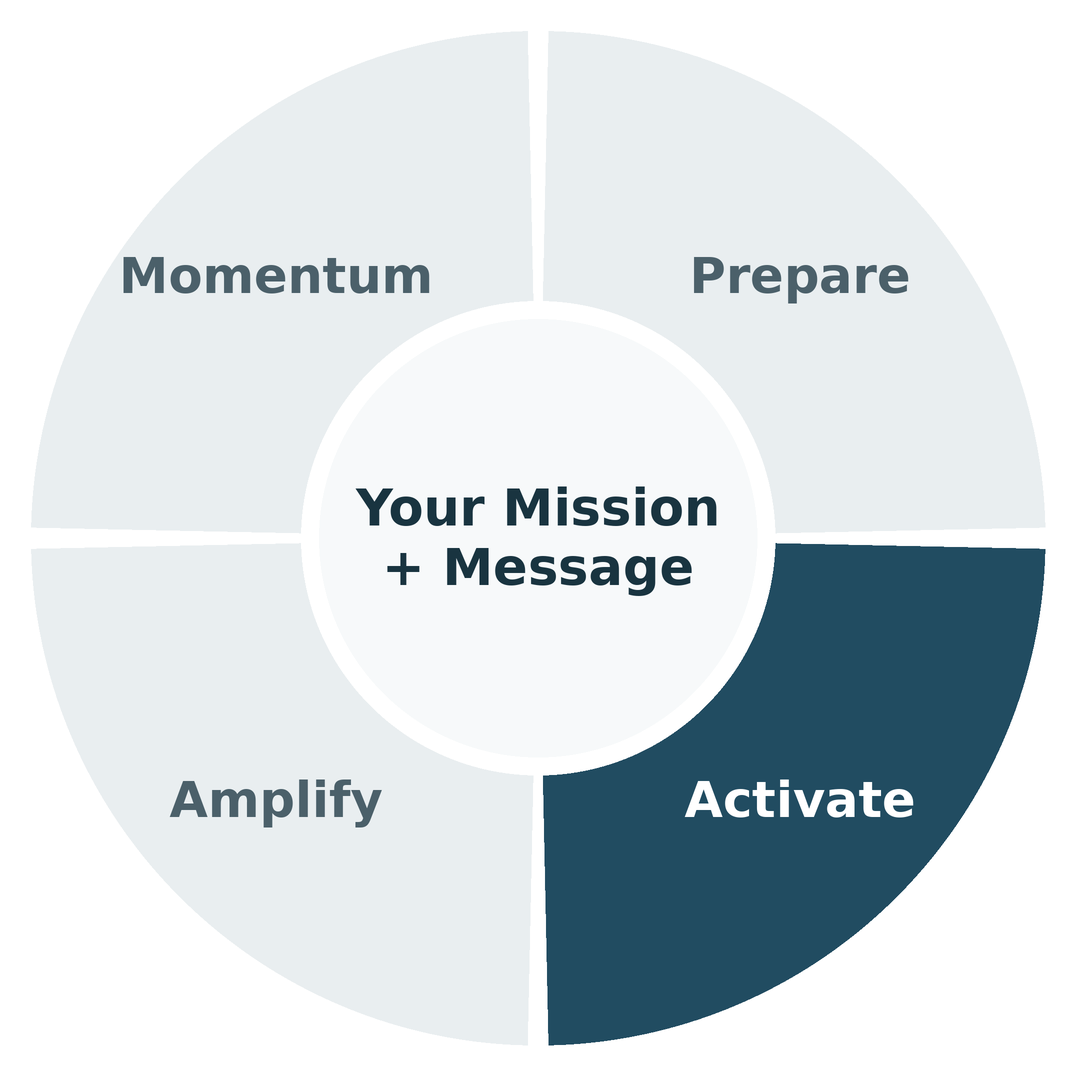
With Instant Event Images, guests who participate can receive professional photos of themselves on their phones while the event is still happening. They can text a photo to someone who couldn’t come or post it while they’re still in the room. Give your communications team a small set of highlights, too, so they can thank a sponsor or share a moment while it’s fresh.
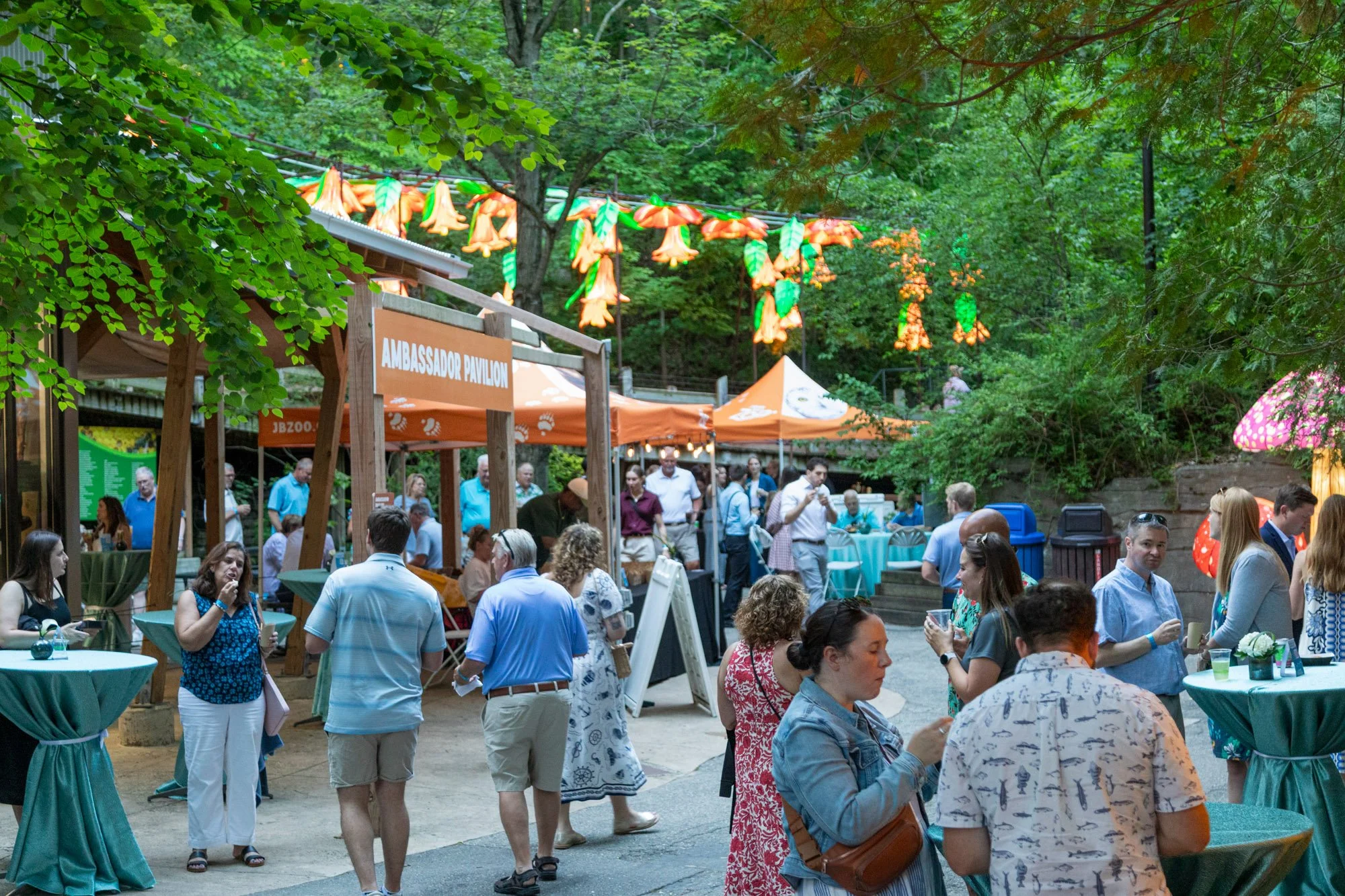
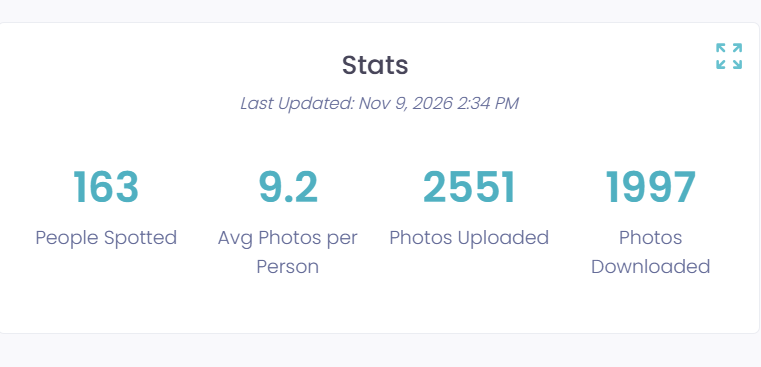
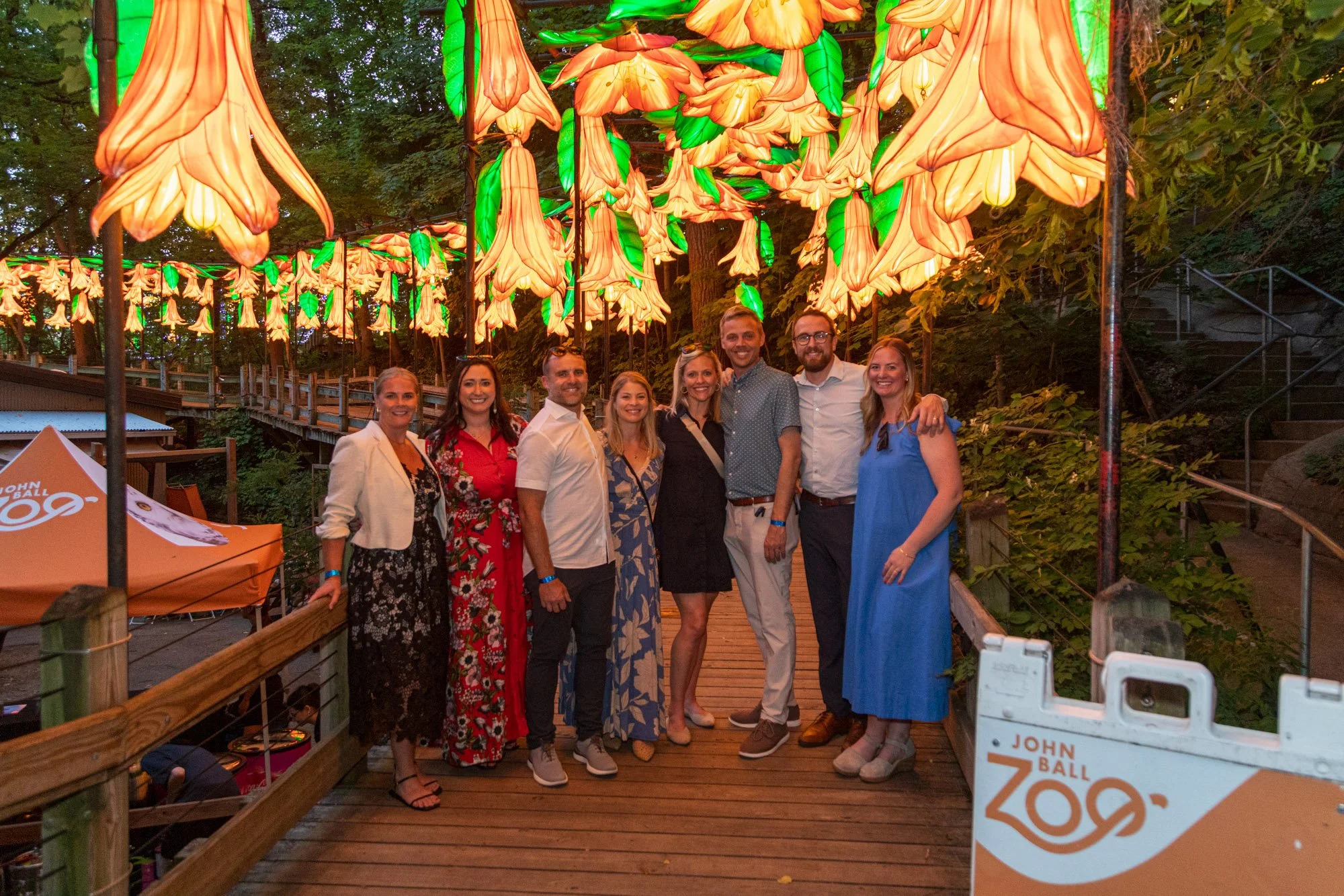
At RendeZoo 2026, our team combined event photography, Instant Event Images and short videos made for social media. Attendees downloaded 1,958 photos. Every one of those downloads gave someone a photo they could keep or share with a person who wasn’t there. See what we captured at RendeZoo.
Think through the video coverage at the same time. A full keynote recording needs clear audio and someone there for the entire talk. A short social video might need an interview, a few reactions from the audience and footage from elsewhere in the venue. If those things happen at the same time, decide who will cover each one ahead of time so you can focus on hosting.
3. Amplify
Once everyone goes home, what’s worth sharing with the people who weren’t there?
A polished highlight video can tell the story of the whole event on your website or in an email to sponsors. A short reel can give people a feel for the room in the time it takes to scroll past a post. The reel from the Samaritas Corporate Impact Luncheon is one example of how you can give people a look at the gathering and bring them into the conversation afterward.
Photos give you a chance to go deeper. You can recognize an award recipient, explain why an idea from the keynote stayed with people or tell a story your team heard that day. Each gives you a reason to share something new.
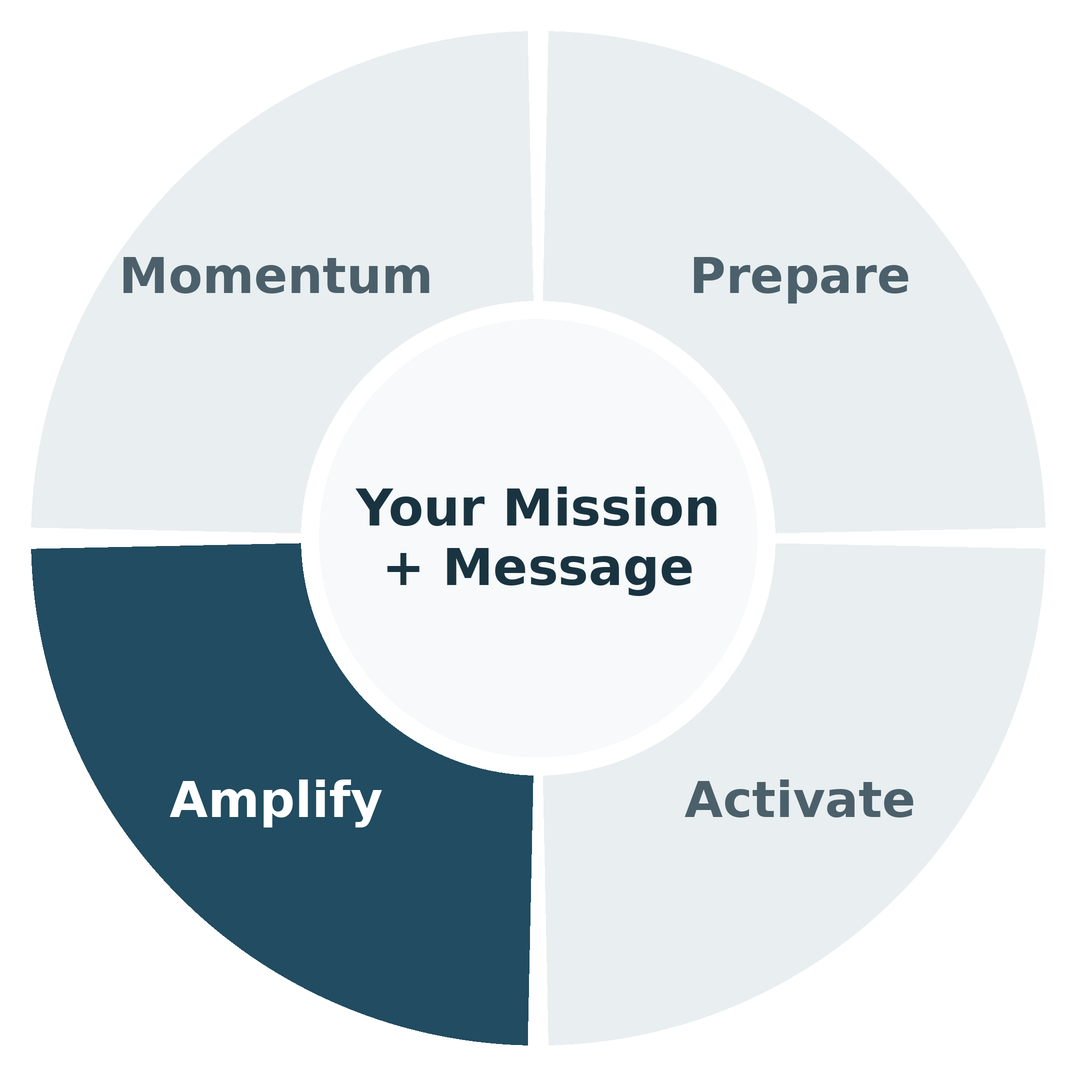
Here’s the sequence I’d use.
1. That day, say thank you. Share 4 to 8 photos that show the room, the people and how it felt to be there. Thank the people who made it happen. Set a delivery time before the event so nobody is chasing a gallery link on the way home.
2. The next day, feature a standout. Did the keynote speaker hit a home run? Share the idea people were still talking about at lunch and why it mattered. Use a photo or a short clip. If you start with an award, explain what the recipient did and who benefited.
3. The following day, tell the other story. If you shared the keynote first, give the awards their own post. If you started with the awards, come back to the speaker. Give each story enough room for people to understand why it mattered.
4. Over the following weeks, show the impact. Ask your staff and volunteers what they heard. What did a guest tell them that stuck with them? Who came for the first time and found a reason to come back? Gather 2 to 5 stories, follow up with the people involved and get their permission to share. Pair each story with a relevant photo or let the person tell it in a short video.
5. When the next date is ready, invite people back. Pick a photo or video that helps people picture themselves there. Give them one clear next step, whether that’s saving the date, registering or signing up to hear when tickets open.
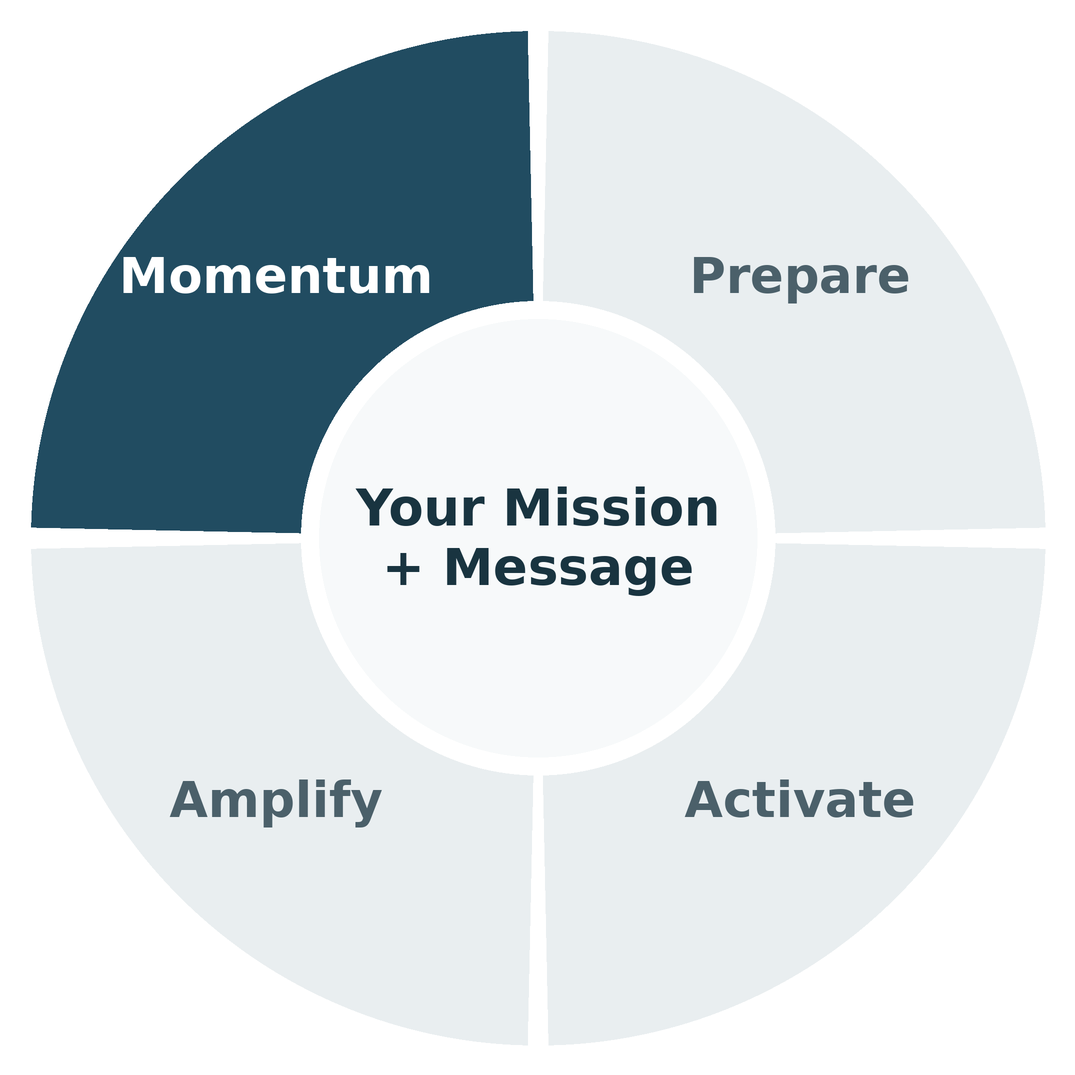
4. Momentum
Look at what your organization already sends throughout the year. A quote from the keynote might fit a member newsletter in 3 months. A photo of a volunteer helping a guest might belong in a call for volunteers. And when you sit down with a sponsor, a few photos of people taking part can show them what their support made possible.
Keep your strongest photos and clips where your team can find them. Save the names, quotes and stories that go with them, too. When registration opens again, you’ll have more to work with than a folder full of images you have to sort through.
Measure what matters to the goal you set. If you want more people at next year’s event, track clicks and registrations from the emails that use your event photos and video. If you want sponsors to come back, track who takes a meeting and who renews. Photo downloads show that people wanted the images. Registrations and renewals help you see whether you’re getting closer to the result you planned for.
This is where Momentum feeds back into Prepare. When you’re ready to invite people back, start with a moment from this year that helps them picture themselves there. For RendeZoo, I’d use a photo of friends walking through the lanterns. It shows someone who’s never been what they’d get to experience, and it reminds the people who were there why they might want to come back.
Is Your Event Media Plan Ready?
Bring this checklist to your next planning meeting. Mark each item green if you have a plan and someone responsible, yellow if it’s partly figured out, or red if you haven’t planned for it yet.
1. Prepare
☐ We know what we want people to remember, believe or do after the event.
☐ We know what photos and video we need, when we need them and who will share them.
2. Activate
☐ Our team knows how to get photos while the event is happening, and guests know where to find theirs if we’re offering instant delivery.
☐ Our coverage plan makes time for the presentations, conversations and smaller moments we’ll want to share.
3. Amplify
☐ We know what we’ll share after the first thank you post and who will put it out.
☐ Someone will ask staff and volunteers what they heard that’s worth following up on.
4. Momentum
☐ We know where we’ll use the photos and video in the months ahead and what we’ll measure.
☐ Our strongest photos, clips and stories will be easy to find when it’s time to invite people back.
Pick the yellow or red item that matters most to your goal. Decide who will handle it and when they’ll have a plan in place.
Before your next event, ask your team one question: What do we want people to remember, believe or do after they go home?
Bring that answer to the conversation with your photo and video team. It’ll help you decide what’s worth capturing, what you’ll want to share while the room is still full and what can help bring people back next year.
You’ve already got enough to manage on event day. My job is to help you make a plan, take care of the coverage and get the photos and video to you in time to use them.
If you have an event on the calendar, I’d love to hear what you’re bringing people together to do. Let’s talk about your event.